- Getting Started
- Liquid reference
- Filters reference
- Tags reference
- Localization
- Theme structure
- Theme sections
- Theme assets
- Theme config
- Theme layout
- Theme templates
-
- article.liquid
- blog.liquid
- cart.liquid
- collection.liquid
- customer/account.liquid
- customer/addresses.liquid
- customer/details.liquid
- customer/login.liquid
- customer/order.liquid
- customer/register.liquid
- customer/reset-password.liquid
- home.liquid
- page.no-heading.liquid
- products.liquid
- search.liquid
- list-collections.liquid
- store-locator.liquid
- 404.liquid
- customer/activate_account.liquid
- customer/orders.liquid
- Submission
search.liquid
The search.liquid template is used to display the results of a storefront search.
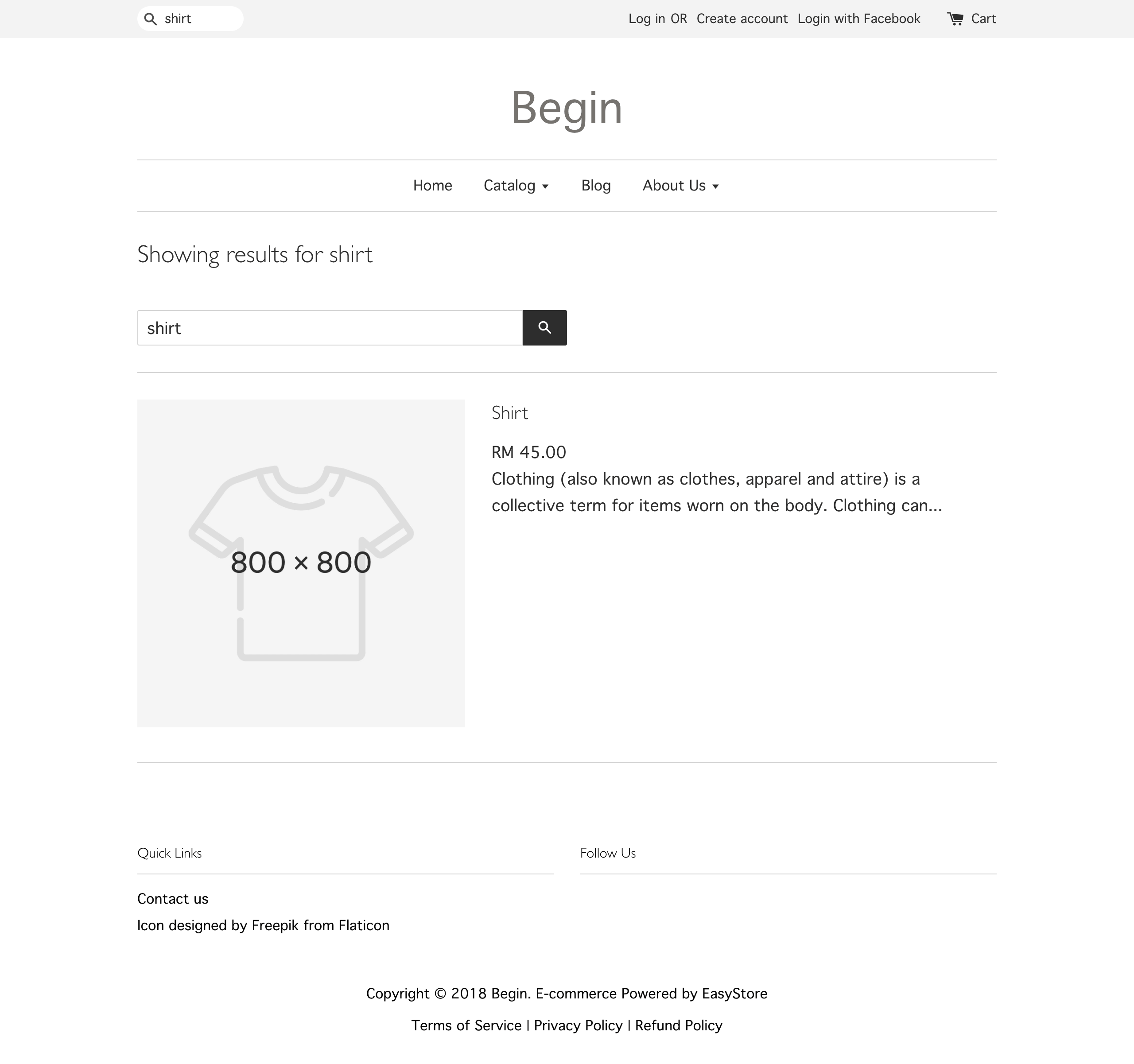
To output search form, initialize the form tag. Within the form, include the following:
- Input of type search with the name attribute q.
- Input of type submit to submit the form.
Below is an example of a simple search form:
<form action="/search" method="get" class="input-group search-bar" role="search">
<input type="search" name="q" value="{{ search.terms | escape }}">
<button type="submit" class="btn icon-fallback-text">{{ general.search.submit | t }}</button>
</form>