

1️⃣ Create app
Register your app in the Partner Dashboard to get the Client ID and Client Secret your app needs for installation. This takes a few minutes, and you don't need a working app yet.
- Register an EasyStore Partner account if you don't have one.
- After logging in, go to the Apps section.
- Click the Create app button at the top right corner.
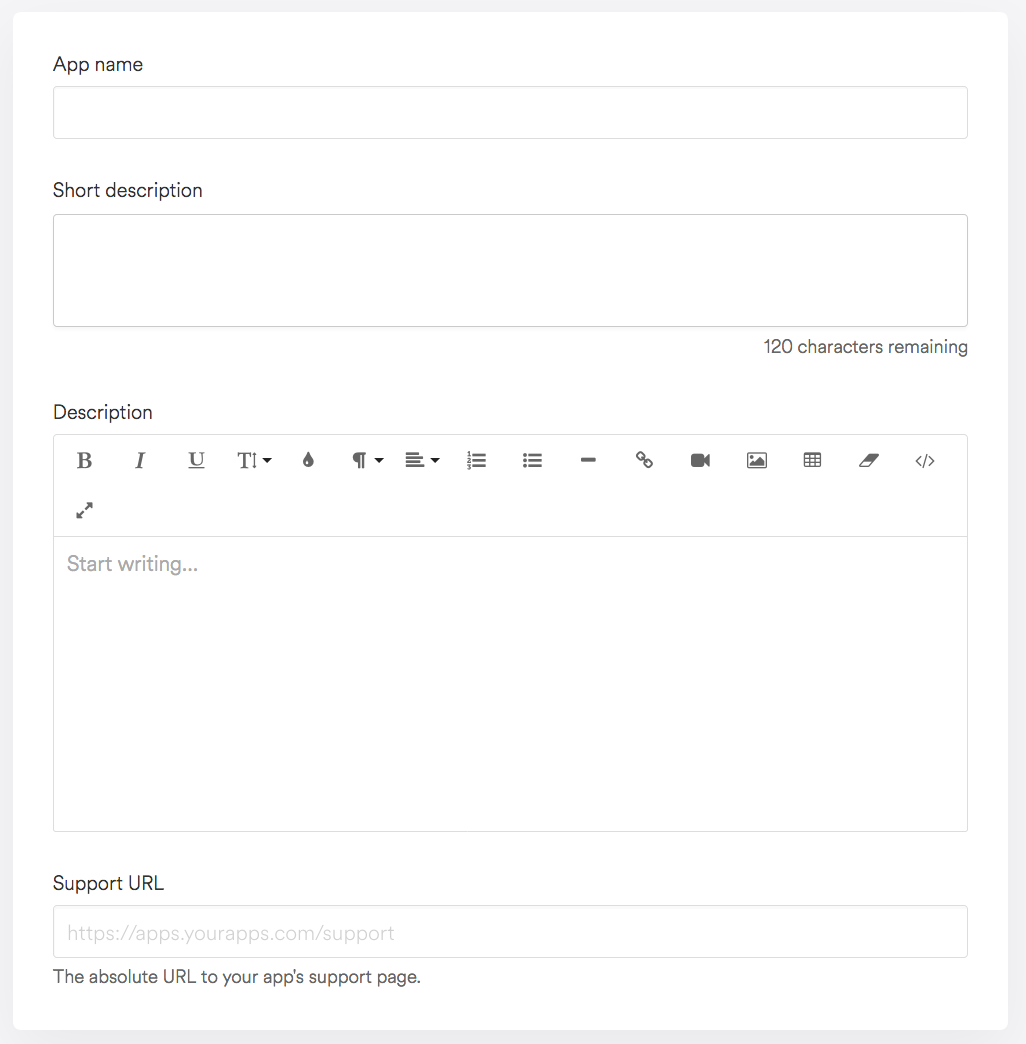
- Fill in the form. Only App name, App URL and Redirection URL(s) are required (see App fields below).
- Save the app. Its page now shows the App credentials section with your Client ID and Client secret.
🔒 Keep your Client secret private. It signs every request EasyStore sends to your app, and it is used to get access tokens. Store it on your server only, never in browser code or a public repository.
App fields
The form is split into sections. You can change any of these later on the app details page.
App information
| Field | Description |
|---|---|
| App name (required) | Display name of your app. Visible to merchants. |
| Short description, Description | What your app does. Shown to merchants on your app's listing and needed for app review. |
| Support URL | The absolute URL of your app's support page. |
URLs
| Field | Description |
|---|---|
| App URL (required) | Your app's main URL, including https://. EasyStore sends the merchant here to start installation,
and every time they open your app. It is either embedded inside the admin panel via iframe, or opened in a new
tab, depending on the embedding
setting. |
| Redirection URL(s) (required) | The URLs EasyStore may send the merchant to after they authorize your app, one per line. The
redirect_uri you use during installation must exactly match one of them. This is where you
exchange the authorization code for an access token.
|
App icon
| Field | Description |
|---|---|
| Image icon | 200 × 200px, up to 10MB (.jpg, .png or .gif). Required before app review. |
| Image banner | 646 × 313px, up to 10MB (.jpg, .png or .gif). Required before app review. |
| Embedded in EasyStore Control Panel | Whether your App URL opens inside the admin panel (recommended) or in a new tab. See how merchants interact with your app. |
💡 Tip: if you don't have a working App URL and Redirection URL yet, enter placeholder URLs and update them later. During development, a tunnelling tool can give your local server a public HTTPS URL.